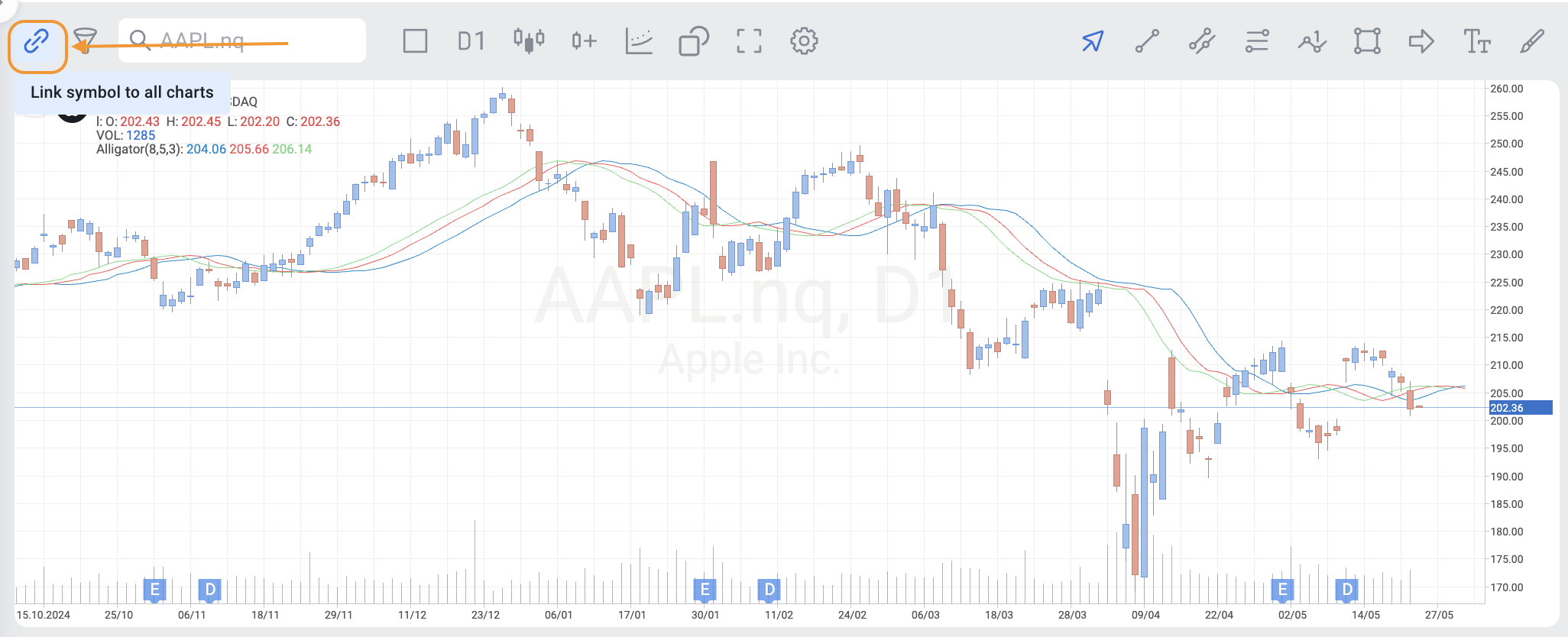
To unlink a symbol from the charts in the StocksTrader web terminal, you can click the paperclip button at the top left corner of the terminal.
What is shared between linked charts?
When charts are linked, the selected instrument is synchronized across all linked charts. For example, if you select NVDA, USD/CAD, or any other instrument in one linked chart, the same instrument will automatically be displayed in the other linked charts.
Linked charts also share the selected watchlist.
Chart-specific settings and objects remain independent for each chart. This includes:
Trendlines
Drawing tools
Indicators
Chart layouts and settings
Changes made to chart objects in one linked chart do not affect other linked charts.